VsCode/Cursor
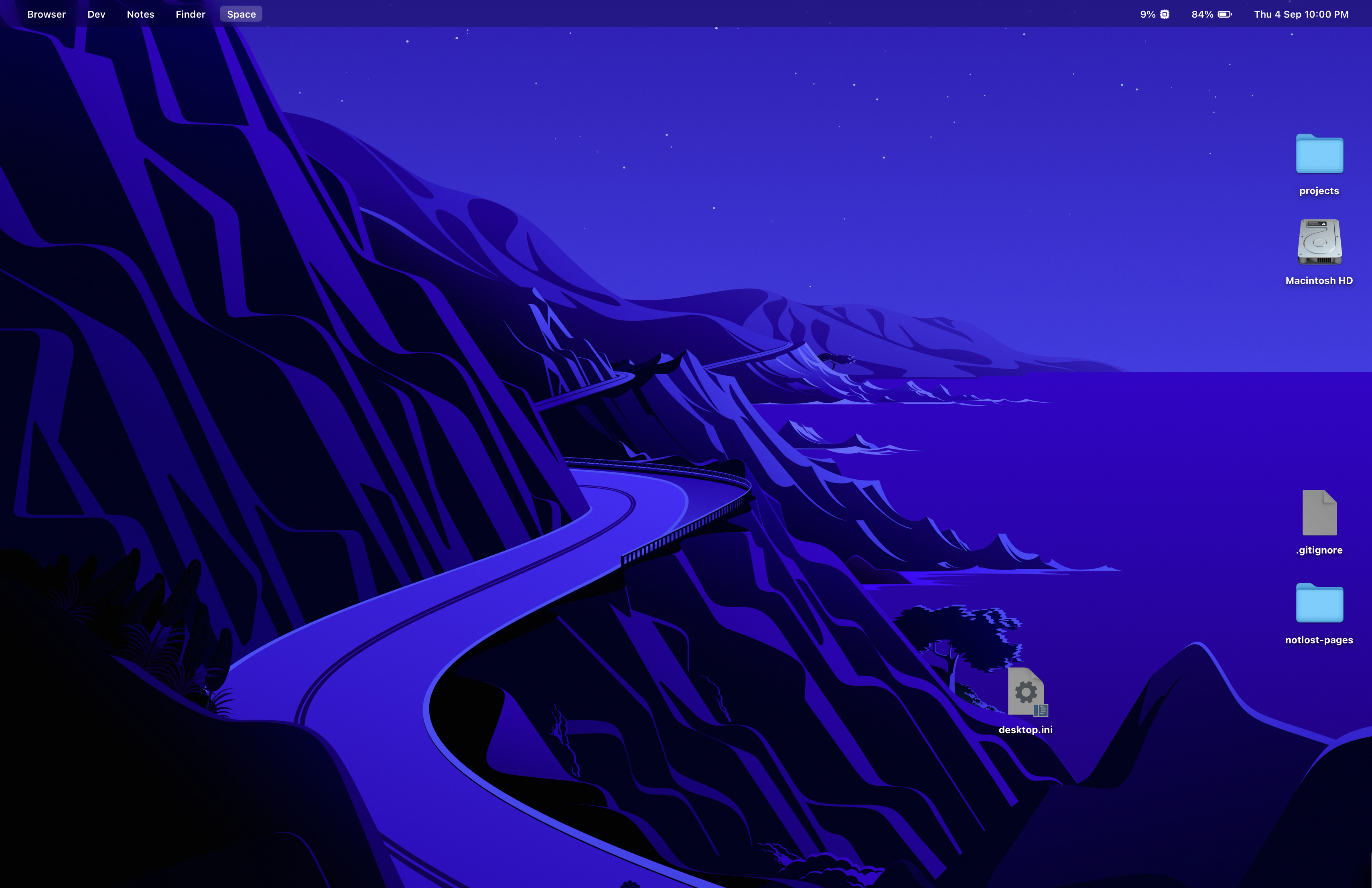
I am using Vibrancy extension in combination with VsCode default Dark+ theme. It makes Cursor looks semi transparent, crazy vibe, love it.
INFO
All settings with custom UI tweaks are publicly in this repo:
https://github.com/shestaya-liniya/vscode-settings
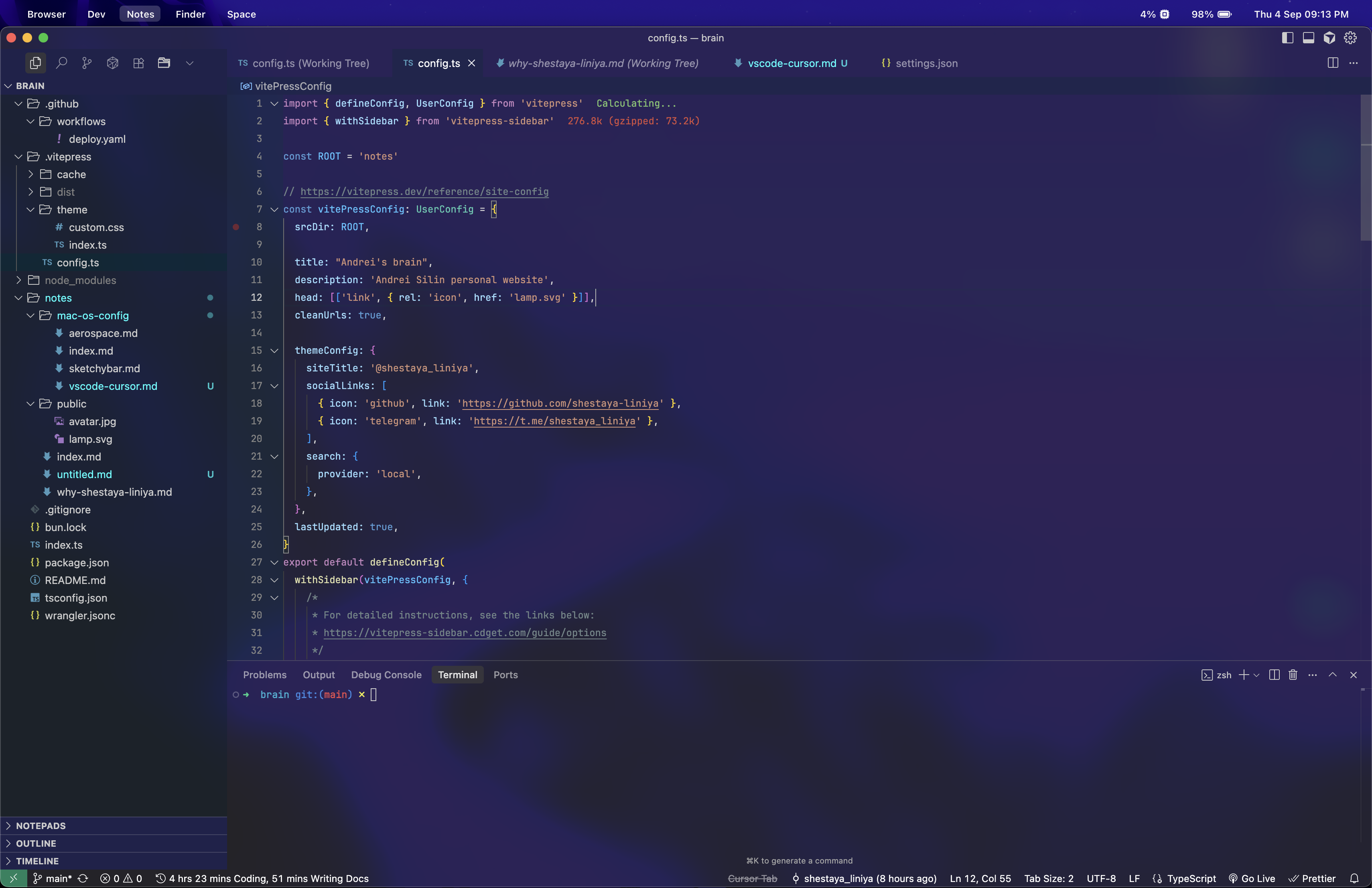
The effect is done by also setting a wallpaper, for me it's that one (one of the default MacOS wallpapers), but you can set anything
UI extensions
Icons: Seti + Folder sabaken.seti-minimal-folder
Useful settings
Here's the list of cool settings I find with a little description.
json
{
	// when tabs overlap screen, they will wrap in multilines
	"workbench.editor.wrapTabs": true,

	// disable folder/folder in files tree
	"explorer.compactFolders": false,

	// open folder by double click
	"workbench.tree.expandMode": "doubleClick",

	// JetBrains Mono is very cool for code, and Hack Nerd Font for icons
	"editor.fontFamily": "'JetBrains Mono', 'SF Mono', 'Fira Code', 'Operator Mono Lig', 'Hack Nerd Font'",

	// cool blinking cursor
	"editor.cursorBlinking": "expand",
	"editor.cursorStyle": "line-thin",
	"editor.cursorSmoothCaretAnimation": "on",

	// disable breadcrumbs in the top of the file
	"breadcrumbs.filePath": "off",
	"breadcrumbs.symbolPath": "off",

	// highest priority for snippets in code completion
	"editor.snippetSuggestions": "top",

	// automatically modify html closing tag
	"editor.linkedEditing": true,

	// should disable when using vibrancy
	"terminal.integrated.gpuAcceleration": "off"
}
Useful hot keys
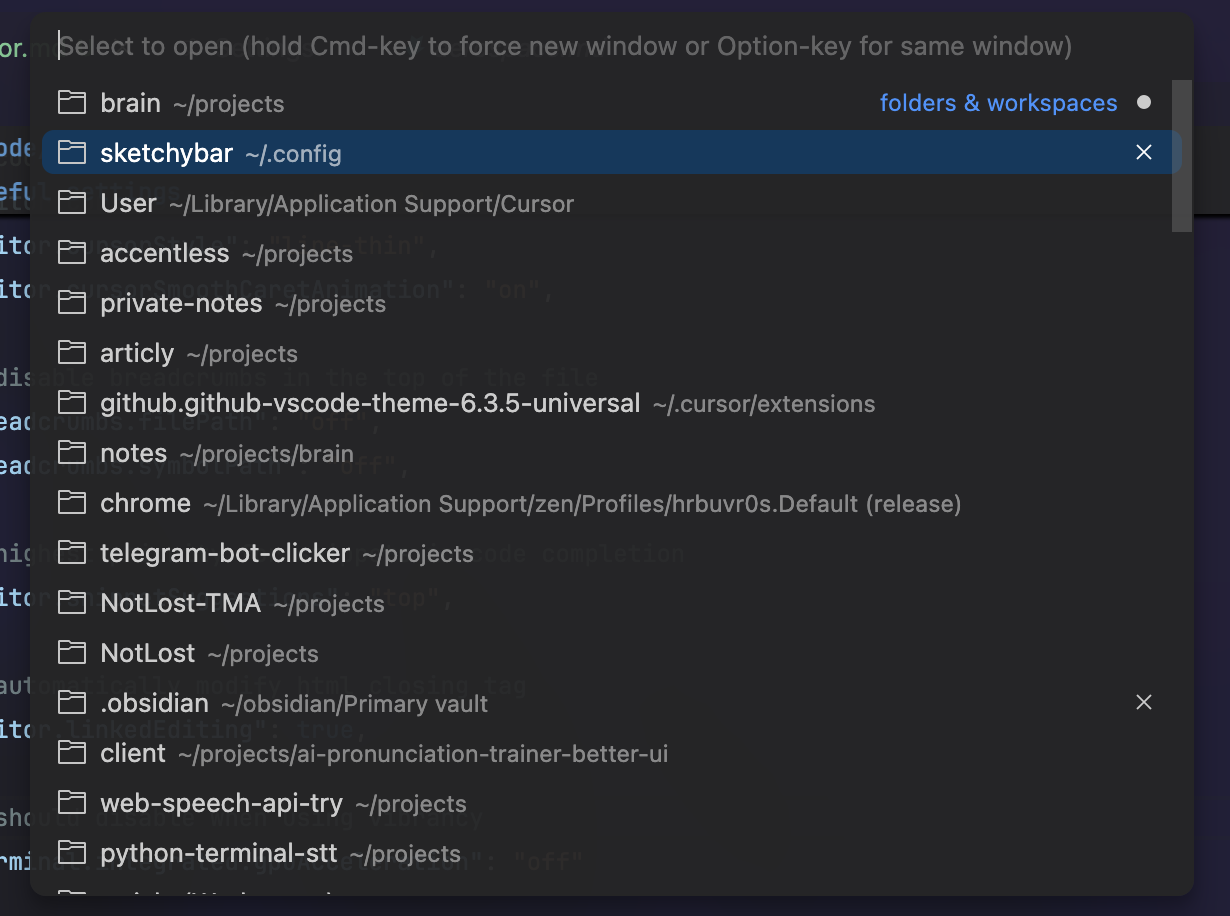
^ + R : Open modal with recents opened projects and allow open them by hitting Enter